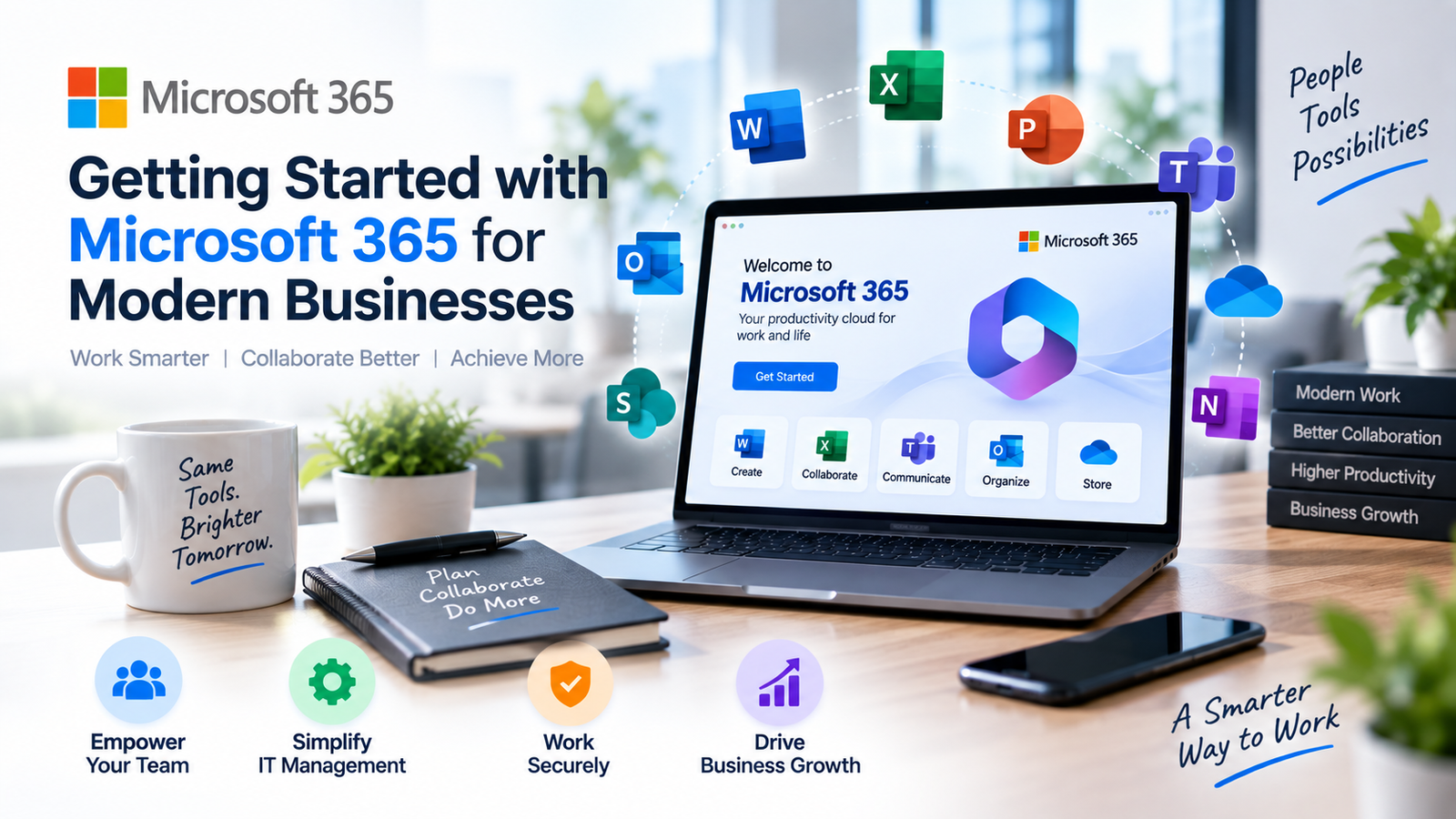
- Microsoft 365 is a full digital workspace, not just business email.
- Proper SPF, DKIM, and DMARC configuration is vital for email deliverability.
- SharePoint provides versioned, permission-controlled enterprise file storage.
- Professional tenant configuration ensures 100% feature utilization and data security.
Transitioning to Microsoft 365 is much more than migrating corporate email—it is the foundation of modern workplace productivity. From real-time team collaboration in Microsoft Teams to automated enterprise document governance in SharePoint, Microsoft 365 provides enterprise-grade capabilities tailored for agile businesses.
Core Pillars of Microsoft 365 Architecture
- Exchange Online: Custom domain business emails with 99.9% uptime, anti-phishing AI, and custom spam filtering.
- SharePoint & OneDrive: Centralized cloud file vaults with granular permissions, version history, and device syncing.
- Microsoft Teams: HD video conferencing, persistent department channels, and collaborative live document editing.
- Intune & Security: Mobile device management (MDM) ensuring corporate data remains protected even on employee personal smartphones.
Common Deployment Pitfalls to Avoid
Many businesses subscribe to Microsoft 365 licenses but utilize only 10% of their features because of improper configuration. Without proper DNS record verification (SPF, DKIM, DMARC) and centralized user provisioning, email deliverability drops and security risks increase.
Expolio’s Seamless Microsoft 365 Onboarding
We handle end-to-end Microsoft 365 tenant setup, domain verification, legacy email mailbox migrations with zero downtime, and ongoing technical support for your entire workforce.